MyOpenMath with OpenIntro
Overview
MyOpenMath is a free online learning management system that makes it easy to share course materials, use pre-made slides and videos, have auto-graded homework, manage a gradebook, and much more.
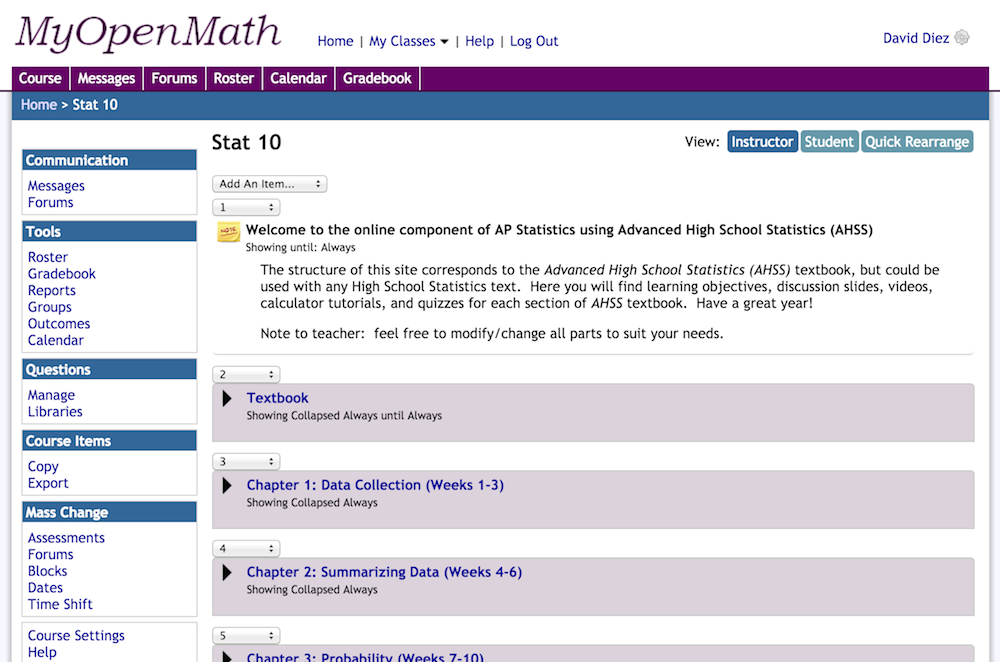
Adam Gilbert created a template course on MyOpenMath.com for OpenIntro Statistics, and Leah Dorazio created a template for AP Statistics courses (specially around Advanced High School Statistics, an OpenIntro textbook that she co-authored). Thank you Adam and Leah for putting in so much work to make this happen! These course templates can be reordered, edited, and changed to best suit each teacher's needs.
To use one of the course templates, follow these three steps:
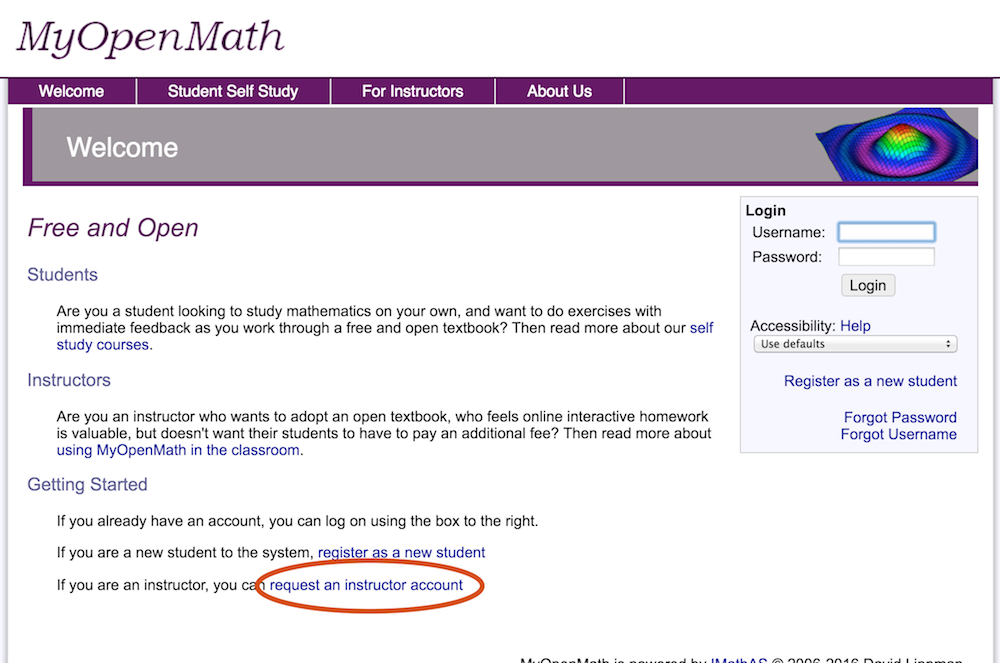
1. Go to www.myopenmath.com and click "request an instructor account". Getting approved may take a few days.
2. Once you have an account, login to your account, then click the "Add New Course" button. (If you don't receive a confirmation email after a few days, try logging in anyways.)
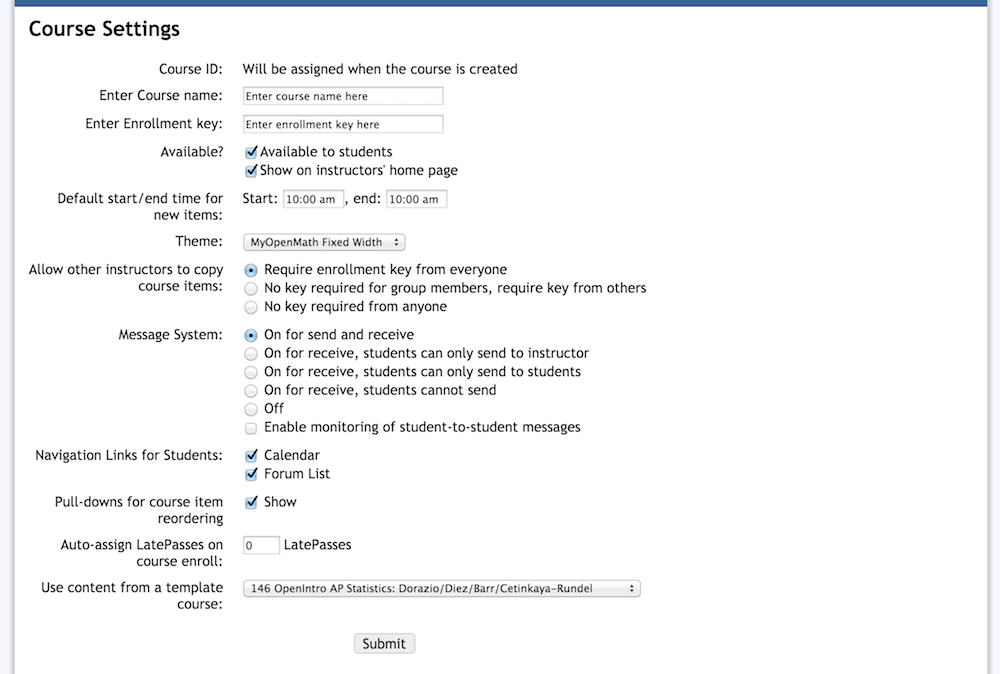
3. Click "Copy a template or promoted course". For OS, choose 146 OpenIntro Statistics: Diez/Barr/Cetinkaya-Rundel, and for AHSS choose Advanced High School Statistics, 4th ed. OpenIntro: Dorazio/Diez/Cetinkaya-Rundel, then click "Copy This Course". Make sure to edit the settings as you desire (e.g. number of late passes). You will now have the course.
We hope that this can be useful to you in some way! If you have any problems getting started or just want to talk to other teachers using the platform, check out this forum on openintro.org.
Screenshots